Gallery
Screenshots of the built-in examples, formula editor, and document views from the Flutter TeX example application.
-
Example Catalog & Dashboard
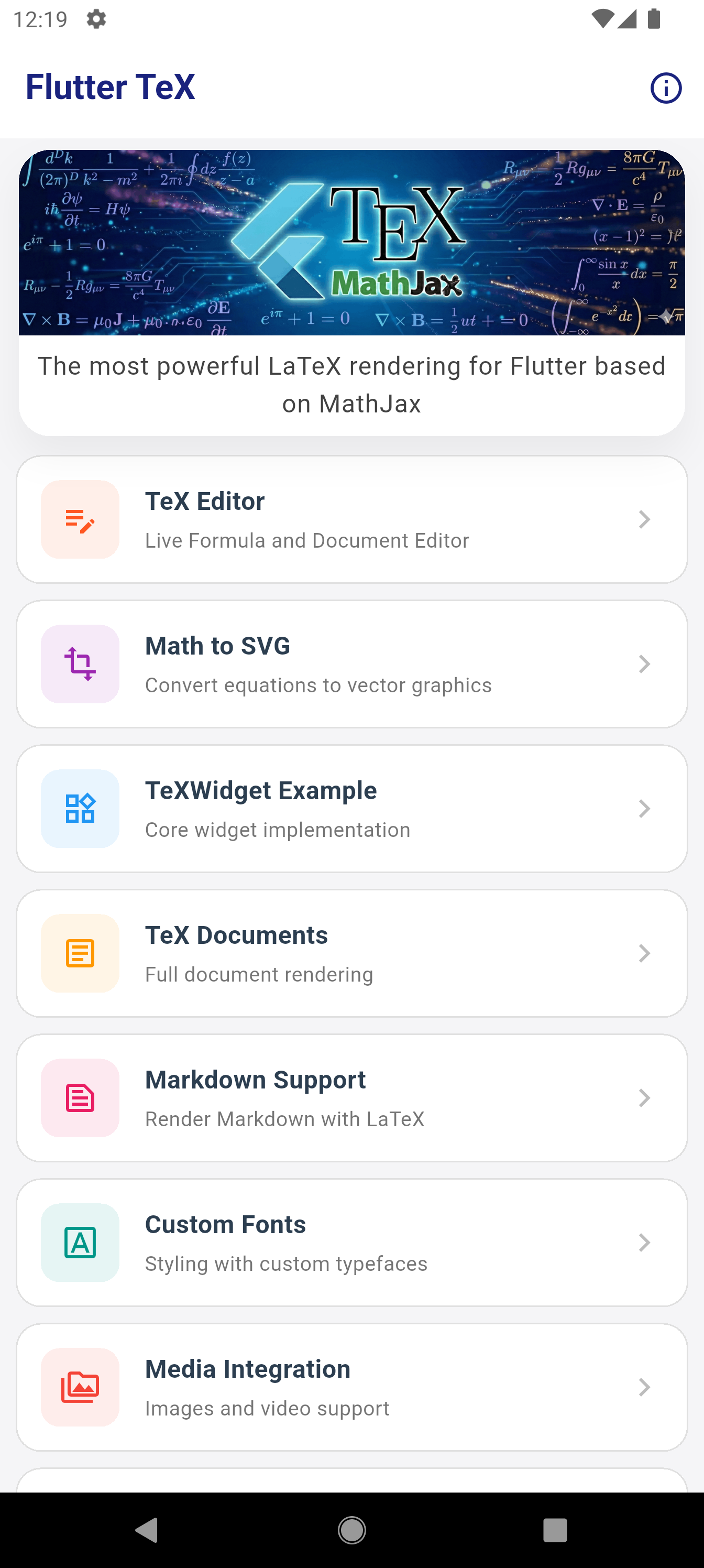
The main dashboard of the example app, showcasing every widget and feature.
-
Document Editor Studio
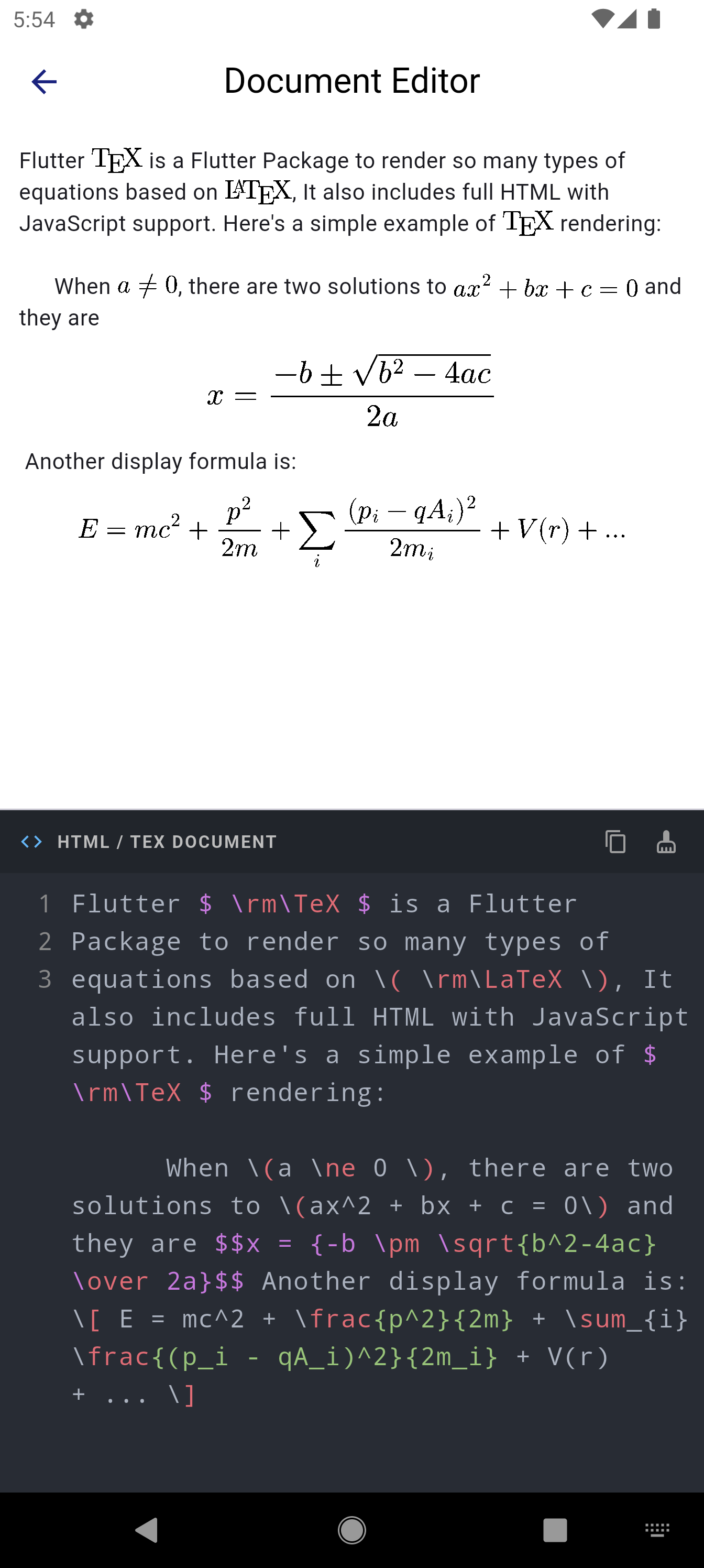
Live editor demonstrating simultaneous HTML/TeX code input with real-time rendering.
-
TeXWidget: Mixed Text & Math
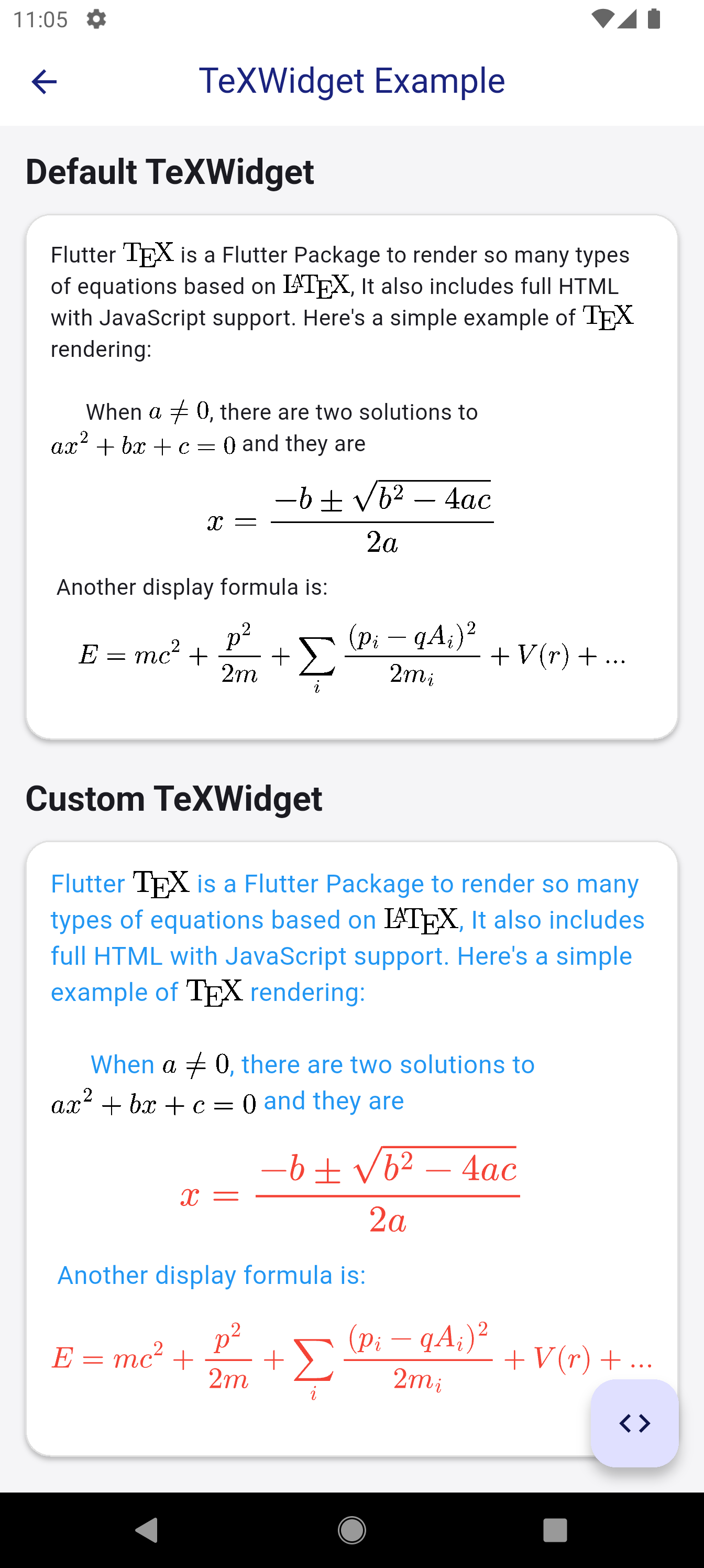
Sentences with inline and display formulas, showing both default styles and custom colored builders.
-
Formula Editor: LaTeX Mode
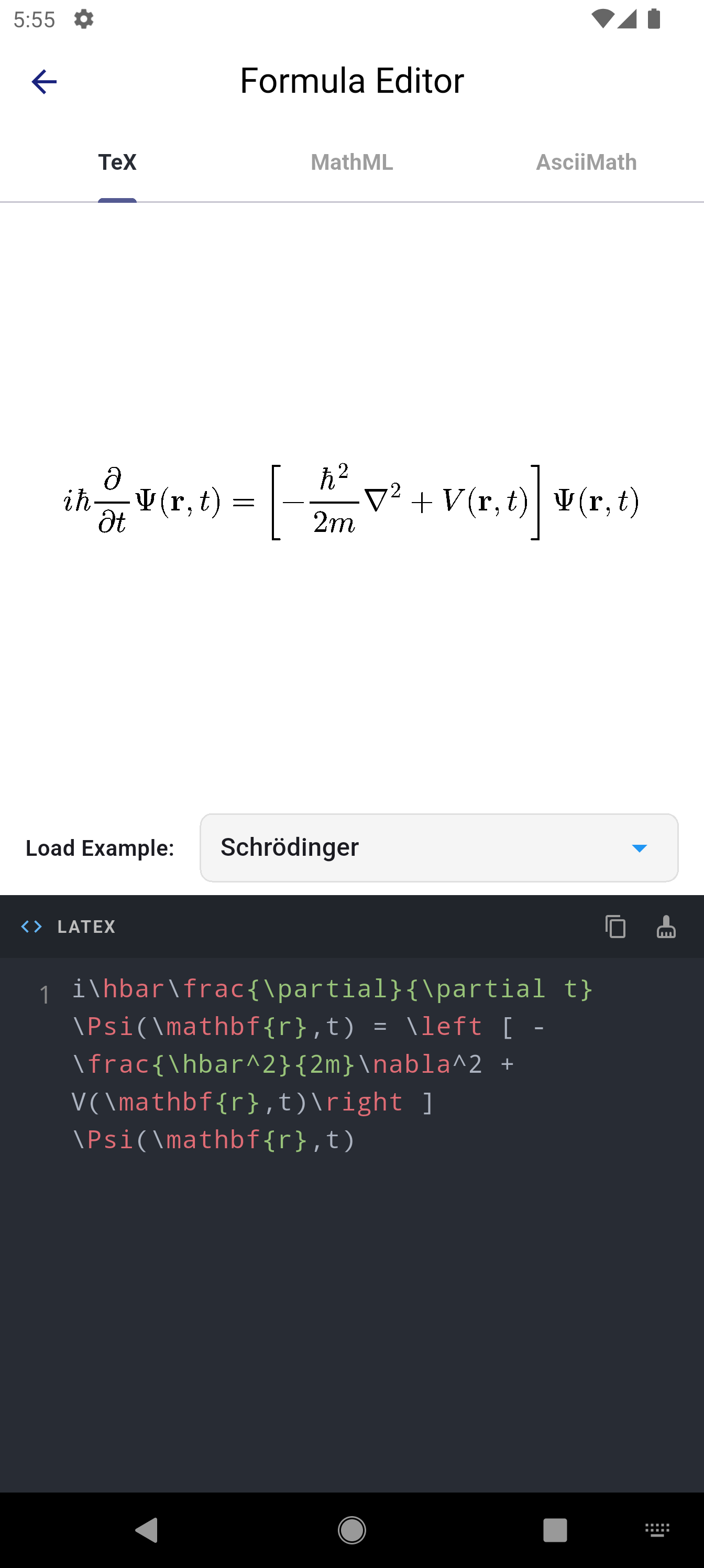
Interactive LaTeX input testing instant vector SVG compilation via
Math2SVG. -
Formula Editor: MathML Mode
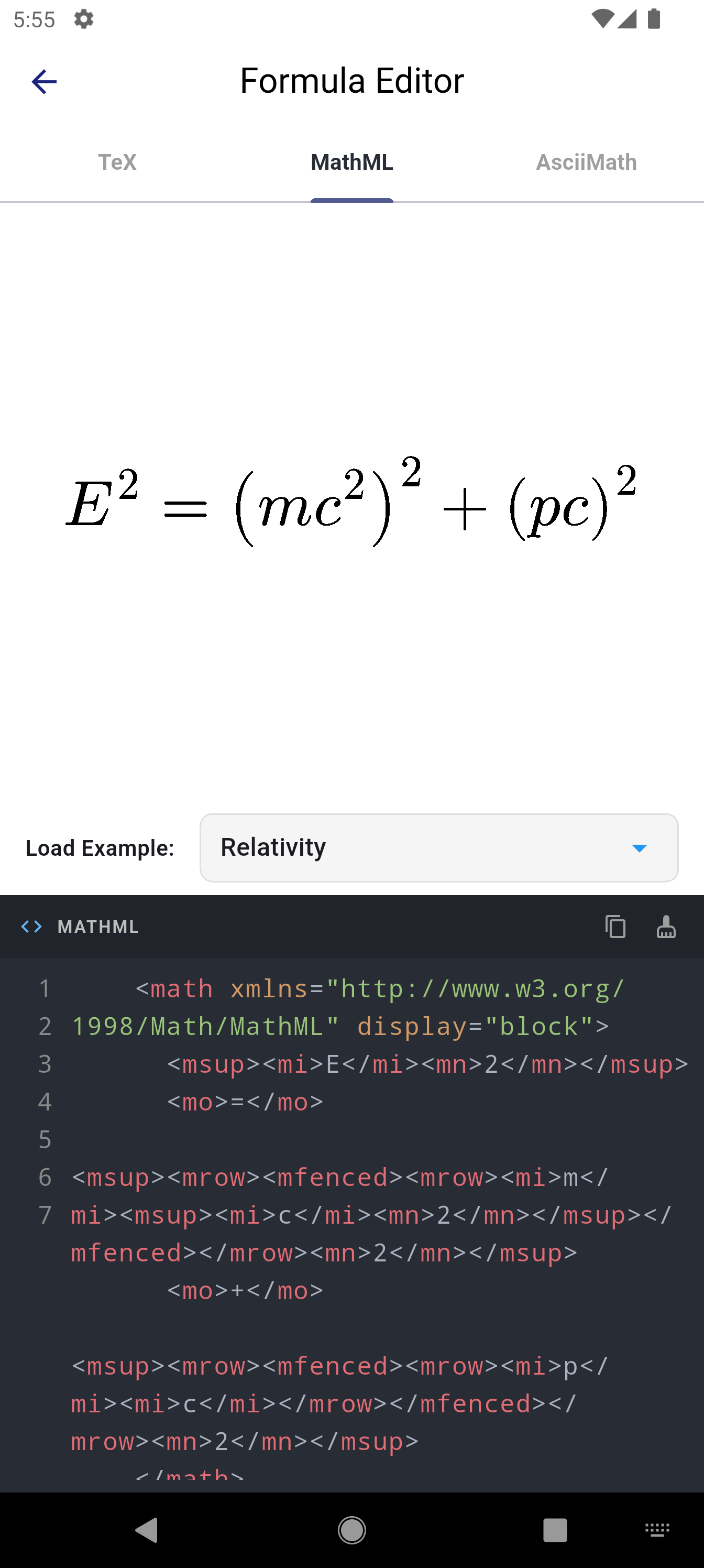
Compiling XML-based MathML syntax into vector graphics.
-
Formula Editor: AsciiMath Mode
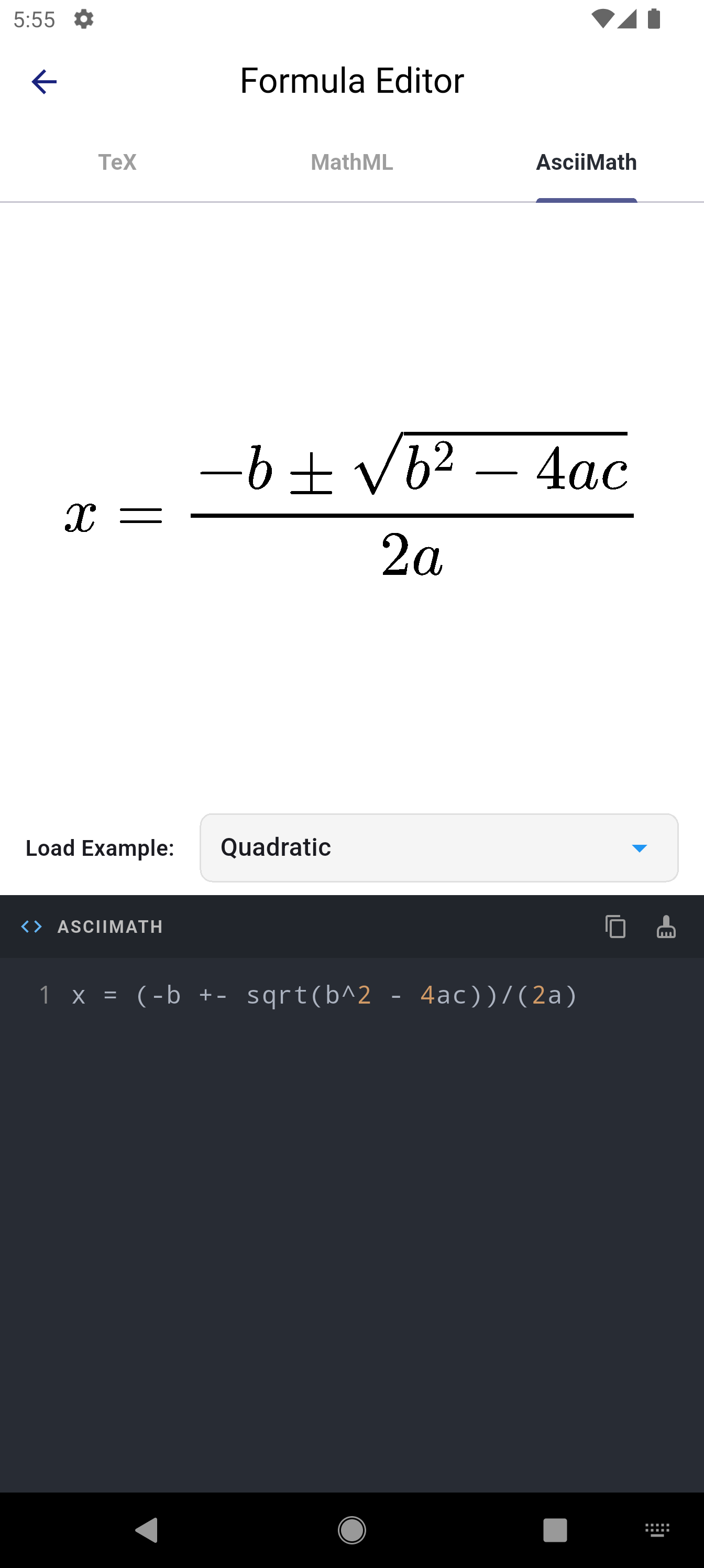
Testing simple plain-text AsciiMath equations with real-time visual output.
-
Scientific Documents & Chemistry
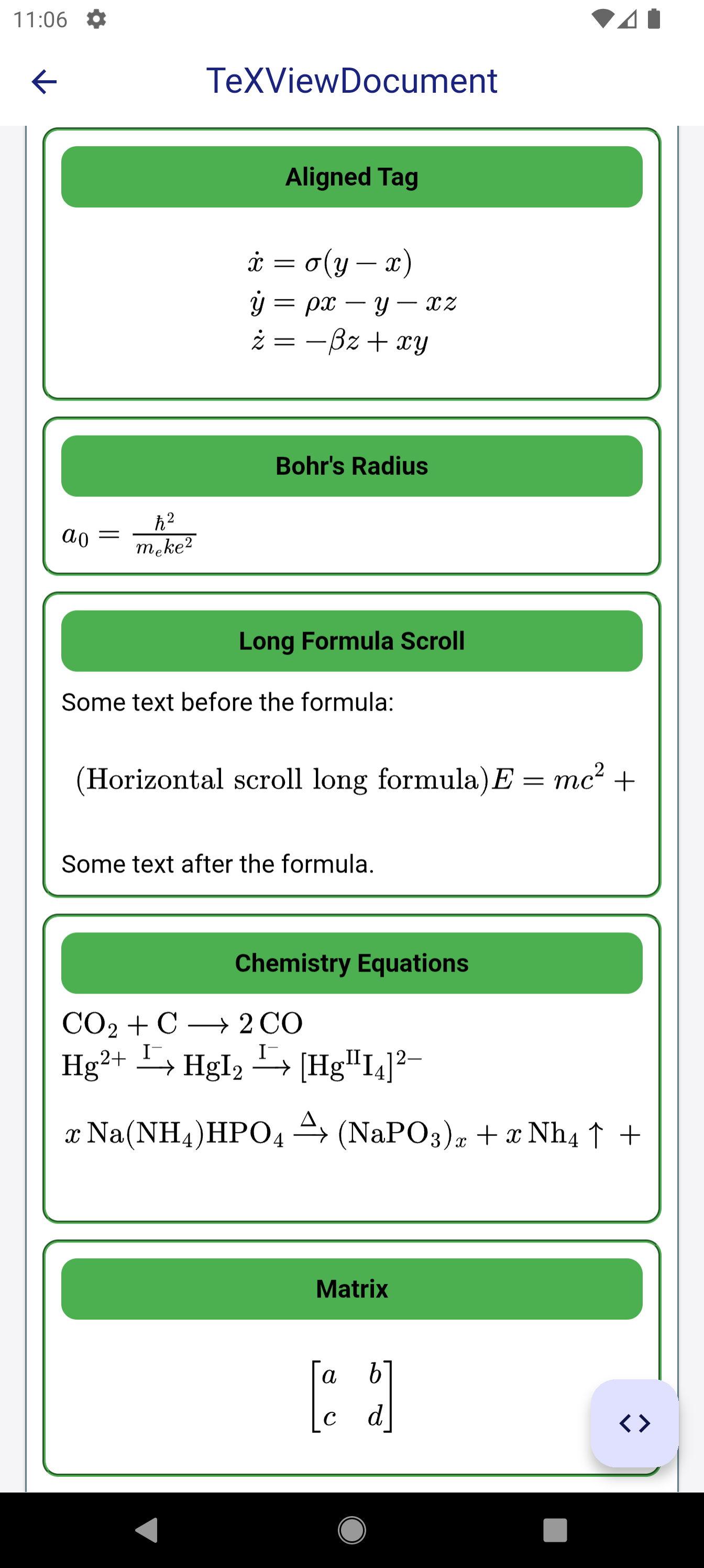
Complex mathematical structures: multi-line alignments, Bohr radius, matrices, chemistry notations, and horizontal formula scrolling.
-
Custom Typography & Fonts
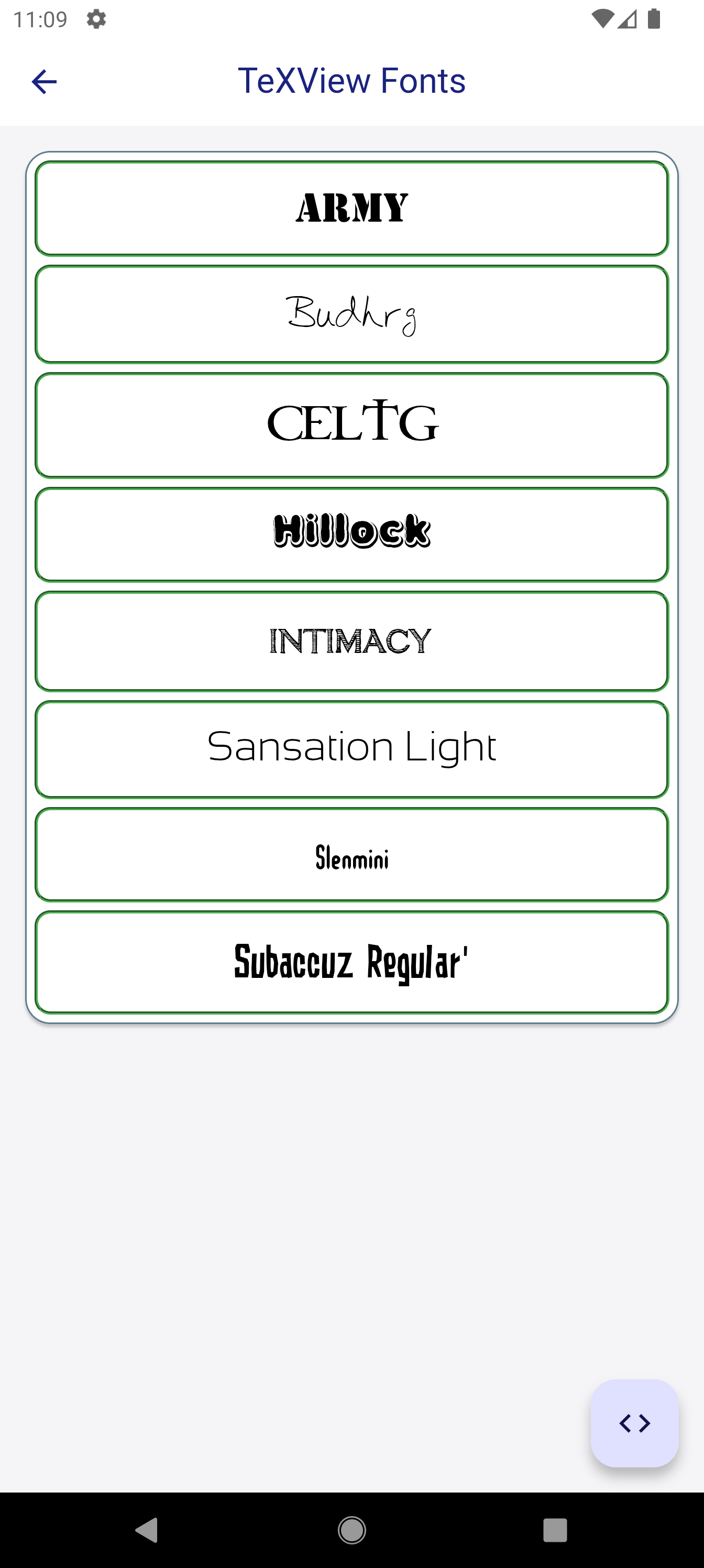
Applying custom TTF fonts to equations and headings using
@font-faceinflutter_tex.css. -
Built-In Source Inspector
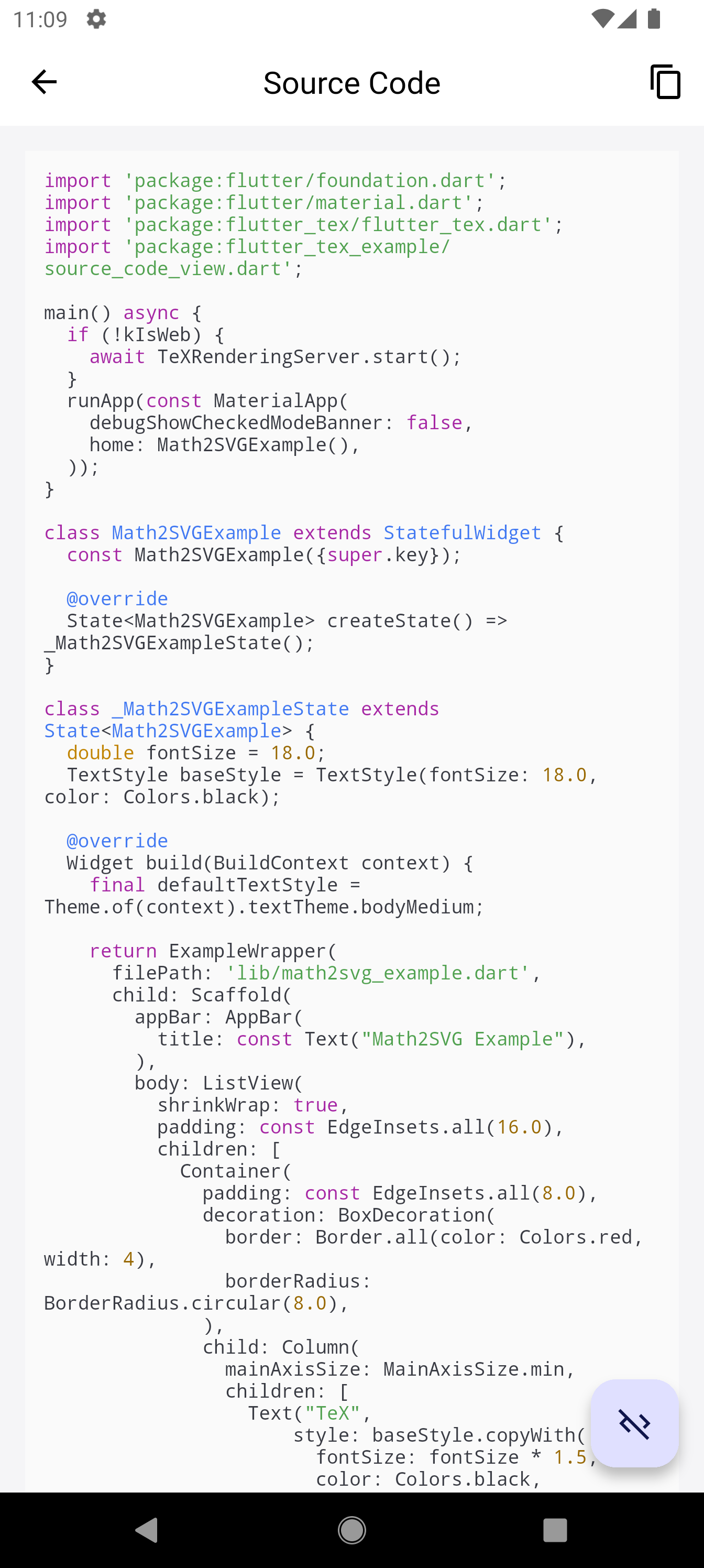
Interactive source code viewer included in the example app to inspect the implementation of every screen.